
Saved ER models
- PostgreSQL
- MySQL
- MariaDB
A model you edit with Edit model is not lost when you close the diagram or quit Querybara. Its
unapplied changes are kept in Querybara’s local store and come back when you open the diagram
again. You can also save a model to a .model.json file, keep it in version control, and open
it on another database or schema to make that one match it.
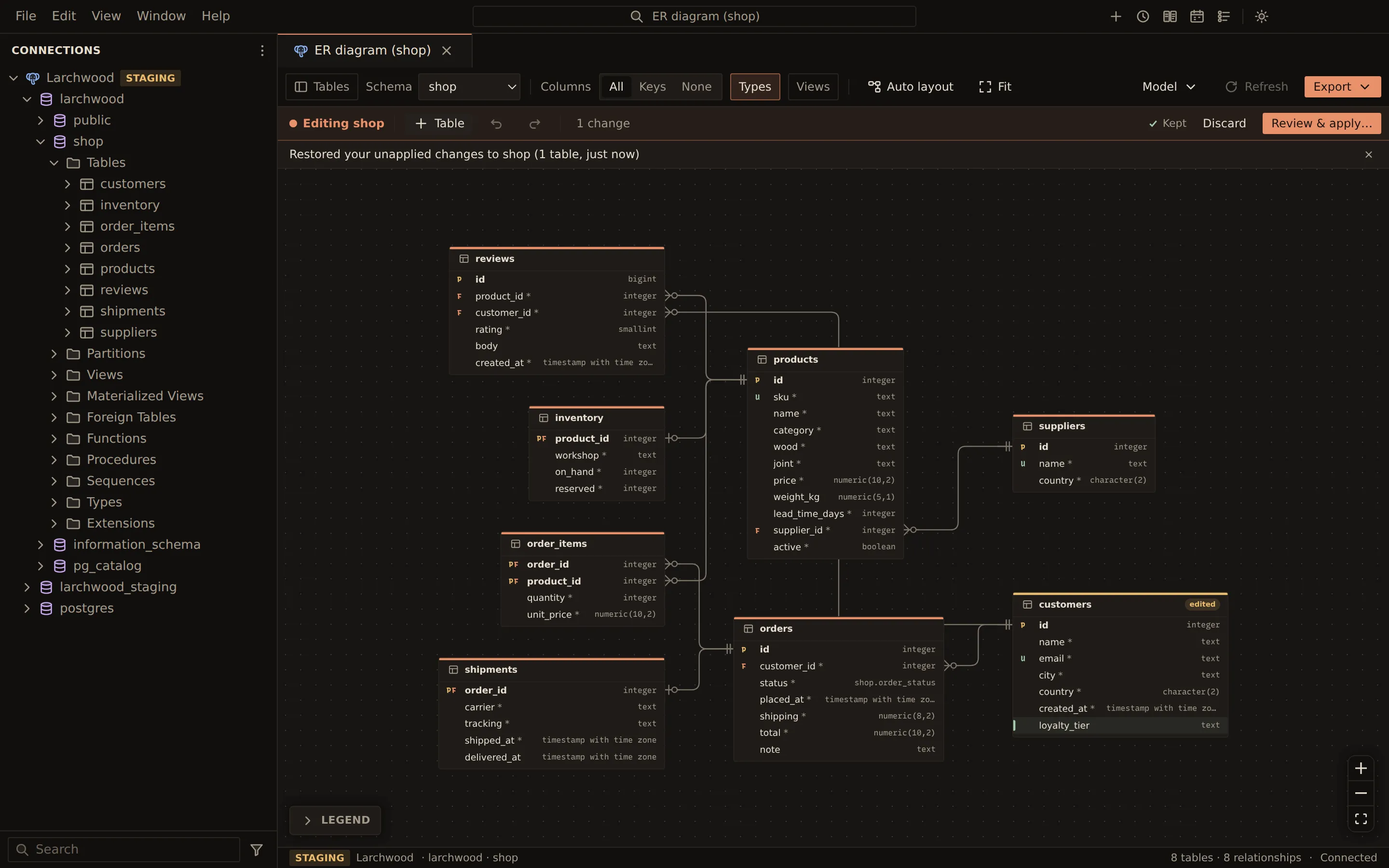
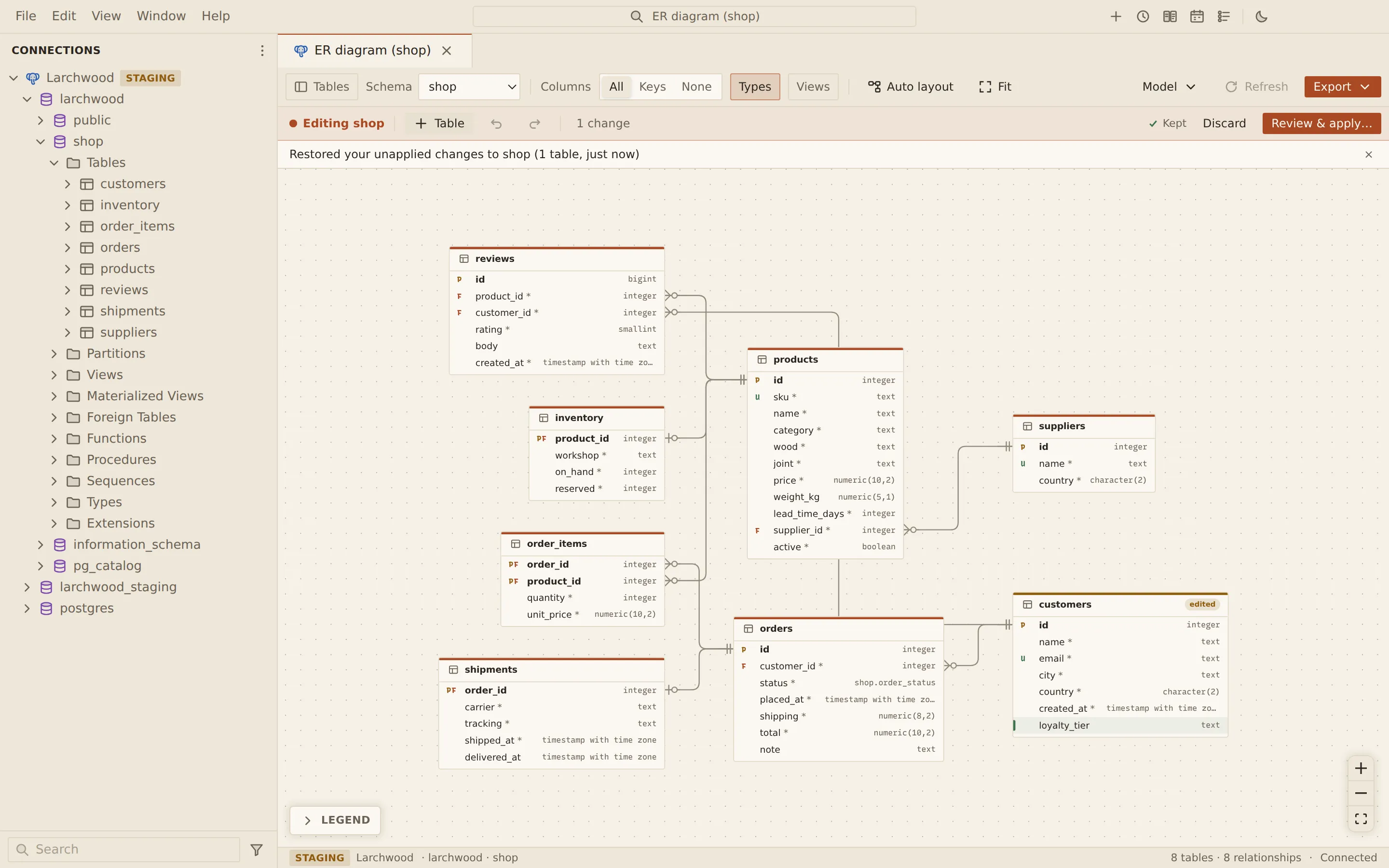
Unapplied changes are kept
Section titled “Unapplied changes are kept”While you edit a model, Querybara writes it to its local store a moment after each change, box moves included. The edit bar says where it stands:
| Edit bar | Meaning |
|---|---|
| Keeping… | A change is being written |
| Kept | The changes are stored: close the diagram or Querybara and they come back |
| Not kept | The changes could not be stored; they are lost if the diagram tab is closed |
Closing the diagram tab does not ask anything. A pending change is written as the tab closes.
The kept changes belong to the connection, the database and the schema (the database on MySQL and MariaDB). They are removed when you apply them, discard them, or undo back to no changes, and when you delete the connection.
Come back to your changes
Section titled “Come back to your changes”Open the ER diagram of the same database (MySQL, MariaDB) or schema (PostgreSQL). It opens in edit mode, with the boxes where you left them, and a note such as “Restored your unapplied changes to shop (2 tables, 5 minutes ago)”.
On PostgreSQL, kept changes to other schemas of the database show in a banner above the canvas, for example “Unapplied changes to sales · 1 table · yesterday”:
- Resume opens that schema in edit mode with its changes.
- Discard asks first, then drops them. The database is not touched.
A kept model remembers the schema it started from, so its script still changes only what you changed. If someone changes the schema on the server in the meantime, the edit bar shows Changed on the server since you started: the script may then fail, or overlap what was done on the server.
Save a model file
Section titled “Save a model file”- Open the ER diagram. On PostgreSQL, pick one schema in the Schema picker.
- Choose Model in the toolbar, then Save as model file….
- Choose where to save the file.
While you are editing, the file holds the schema with your changes. Otherwise it holds the schema
as it is on the server. The suggested name is <database>-<schema>.model.json on PostgreSQL and
<database>.model.json on MySQL and MariaDB.
A model file is pretty-printed JSON:
| Field | What it holds |
|---|---|
format, version |
querybara.er-model, version 1 |
engine, database, schema |
Where the model was saved from |
savedAt |
When it was saved |
model |
The schema’s tables, and any other schema whose foreign keys followed a renamed or dropped table |
model.tableOrigins, model.columnOrigins |
The name each table and column has in the database it came from, so a rename stays a rename |
layout |
Where each box is, the hidden tables, the columns shown, whether types and views are shown |
A file does not hold a copy of the database it came from. It describes what a schema should look like, wherever you open it.
A diagram’s arrangement outside edit mode lasts while its tab is open. Save a model file to keep it with the tables.
Open a model file on a database
Section titled “Open a model file on a database”- Open the ER diagram of the database (MySQL, MariaDB) or schema (PostgreSQL) that should match the model. It can be an empty one: an empty diagram offers Open model file… in its middle.
- Choose Model, then Open model file…, and pick the
.model.jsonfile. - The diagram opens in edit mode. A note says what the model changes, for example “Opened shop.model.json: it changes 2 tables of staging. Review before applying.” If the schema already matches, the note says so.
- Choose Review & apply… and continue as in ER model editing.
Querybara lays the model over the schema you opened it on:
- The model takes the place of that schema, and its foreign keys to its own tables point to the new schema.
- Each table and column is matched to the one it came from where that one exists, otherwise to one with the same name. Anything else is new.
So in an empty schema the script creates every table, and where the same tables exist it renames and alters them. Tables the model does not have are dropped: the review lists them as changes that lose data, and Apply waits until you tick I understand the data in these objects will be lost.
From then on the opened model is kept like any other edit.
| Situation | What happens |
|---|---|
| A MySQL model on MariaDB, or the other way round | It opens |
| A PostgreSQL model on MySQL or MariaDB, or the other way round | It is refused: “The model is for PostgreSQL; this connection is MySQL” |
| A PostgreSQL diagram shows All schemas | The model opens in the schema it was saved from if the database has it; otherwise pick a schema |
| You are editing a model with changes | Open a model file instead? asks first. A file for the same schema replaces your changes |
| The file was saved by a newer Querybara | It is refused: “The model was saved by a newer Querybara; update Querybara to open it” |
| The file is not a model, or is damaged | It is refused with the reason |
Related
Section titled “Related”Documents Querybara 0.1.1 · built frombc9f5aa