
Autocomplete
- PostgreSQL
- MySQL
- MariaDB
The SQL editor suggests what can come next at the cursor: keywords, schemas, tables, columns, join conditions and functions. Suggestions come from the structure of the database you are connected to, so they name your real tables and columns. Completion works in query tabs and in the SQL pane of the visual query builder.
What it suggests
Section titled “What it suggests”| At the cursor | Suggestions |
|---|---|
| Start of a statement, between clauses | Keywords for your dialect |
After FROM, JOIN, UPDATE |
Schemas (or databases), tables and views |
After SELECT, WHERE, ON |
Columns of the tables in scope, qualified by their alias when one is set |
After JOIN other_table alias |
The join condition from the foreign key between the two tables |
| Inside a function call | Signature help with the parameter you are on highlighted |
| Start of a statement, in an expression | Snippets saved in Querybara’s snippet library, by their prefix |
Columns through aliases
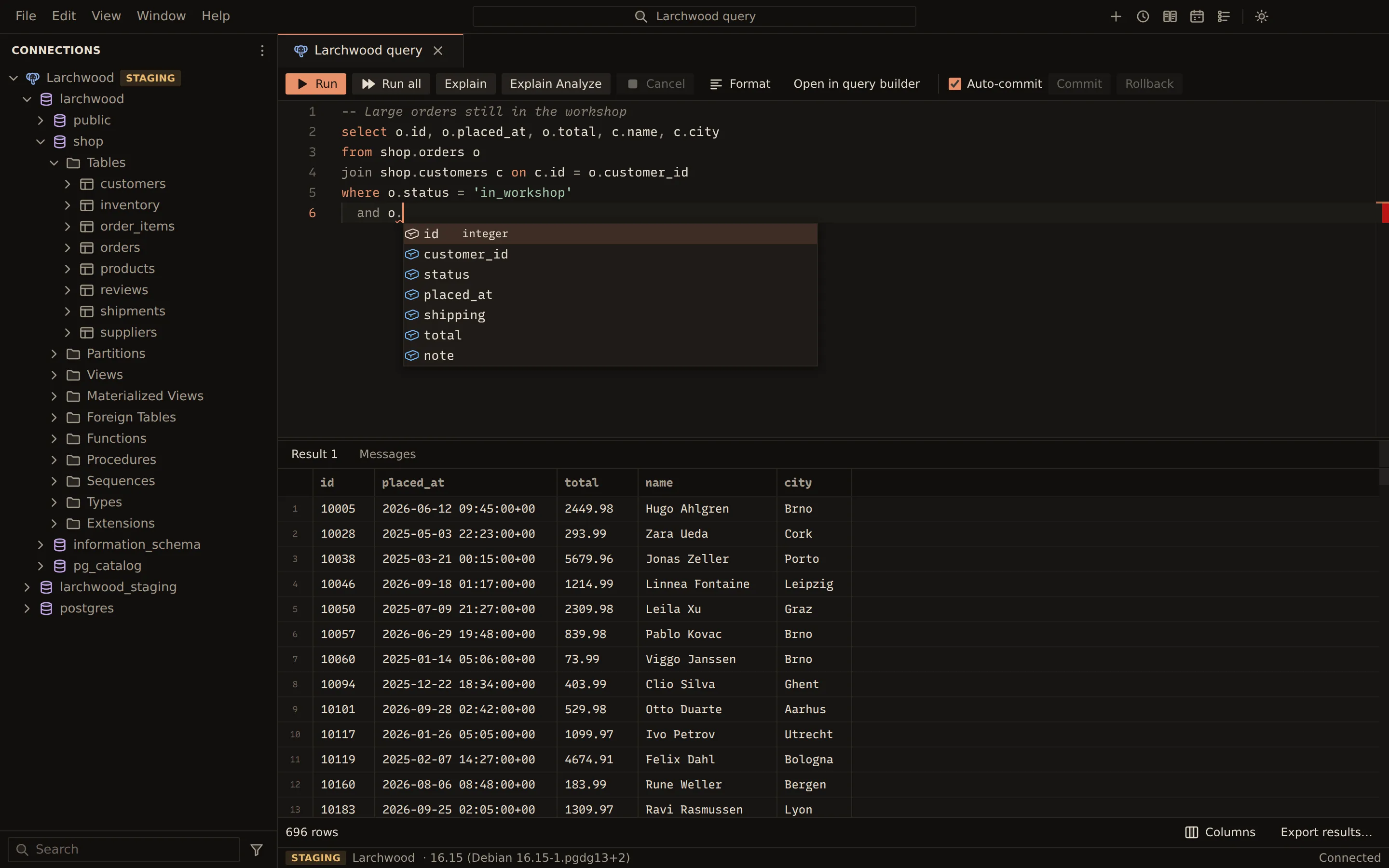
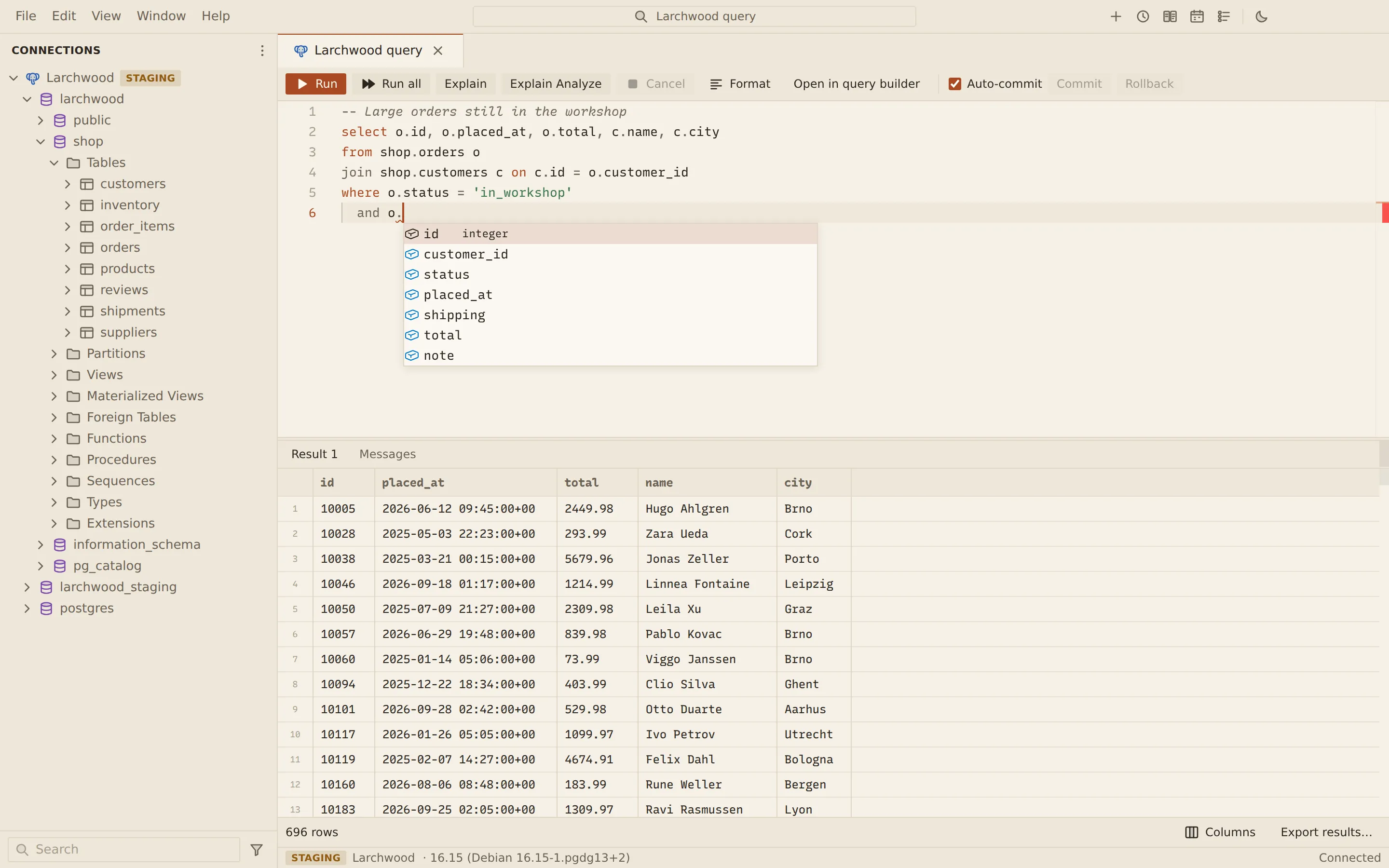
Section titled “Columns through aliases”Completion builds the scope of the statement under the cursor: the tables in FROM and JOIN
with their aliases, CTEs, and the columns of subqueries. After o. in the statement below, the
list shows the columns of shop.orders.
SELECT o. -- columns of shop.ordersFROM shop.orders oJOIN shop.customers c ON c.id = o.customer_id;Join conditions from foreign keys
Section titled “Join conditions from foreign keys”When the tables on both sides of a join are related by a foreign key, the first suggestion is the
whole condition. With a foreign key from order_items.order_id to orders.id:
SELECT * FROM shop.order_items i JOIN shop.orders o-- suggested: ON o.id = i.order_idFunctions and signature help
Section titled “Functions and signature help”Built-in functions of each dialect (string, numeric, date and time, JSON, aggregate, window and system functions) are suggested with their signatures, and so are the routines defined in your database. Inside the parentheses of a call, signature help shows the parameters and highlights the one at the cursor.
Where the metadata comes from
Section titled “Where the metadata comes from”Each connection has a metadata cache in Querybara’s local store.
- Ready at connect. When the connection opens, the cached structure goes to autocomplete at once, so suggestions work immediately. The structure is then read again from the server in the background. While it loads, the editor shows Loading metadata….
- Refreshed after DDL. A
CREATE,ALTERorDROPrun from a query tab refreshes the part of the cache it changed. Inside a PostgreSQL transaction the refresh waits forCOMMIT. Saving in the table designer refreshes it too, and so do Refresh on a database, schema or folder and Refresh objects on a connection in the sidebar. - Follows your session.
USEon MySQL and MariaDB, andSET search_pathon PostgreSQL, move the completion context of the tab that ran them.
On PostgreSQL the cache covers the database you are connected to. On MySQL and MariaDB it covers
the current database and each database you expand in the sidebar, switch to with USE, name as
a qualifier, or open a table in.
Related
Section titled “Related”Documents Querybara 0.1.1 · built frombc9f5aa