
Users, roles and grants
- PostgreSQL
- MySQL
- MariaDB
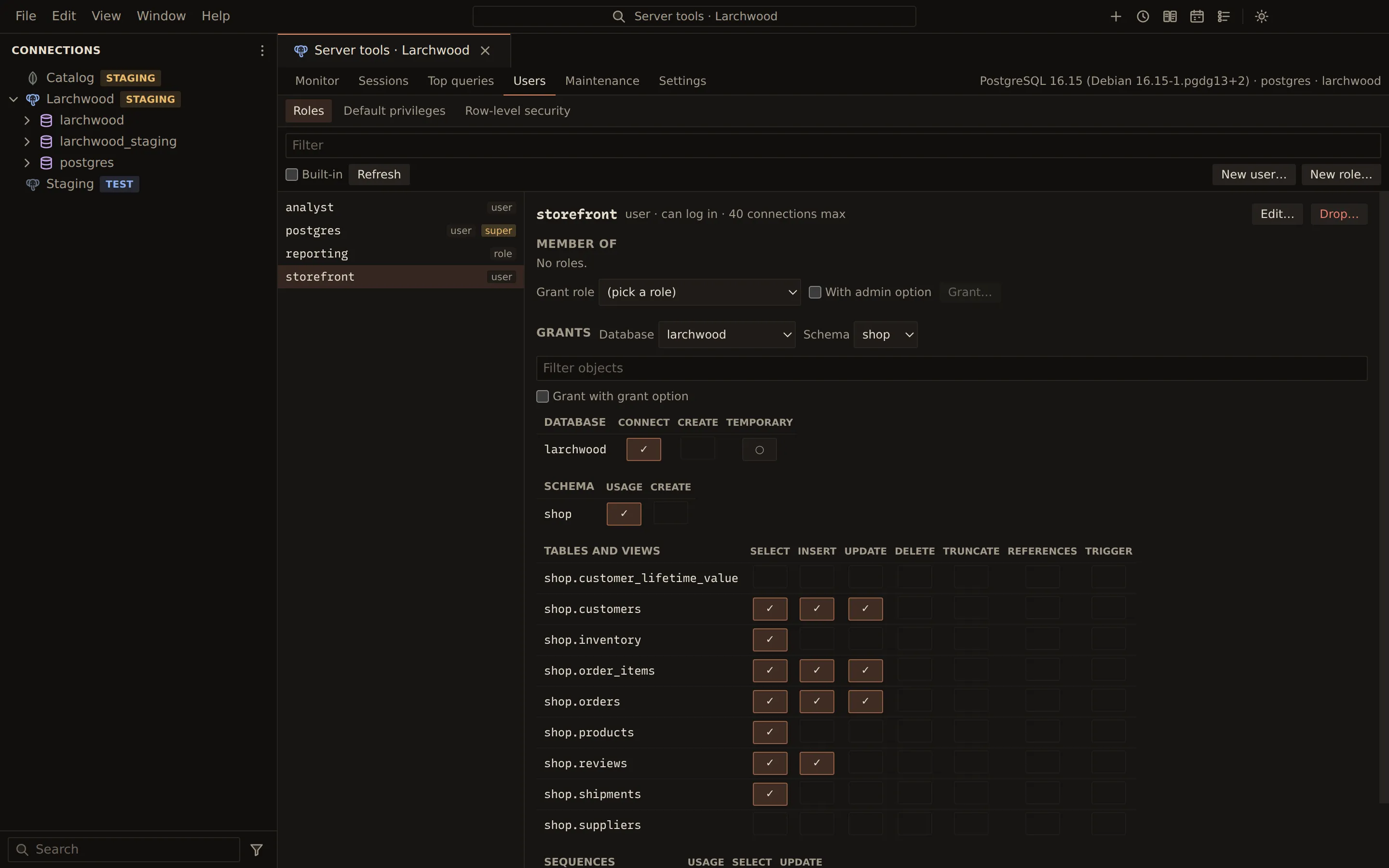
The Users tab of the server tools manages accounts and what they may do. On MySQL and MariaDB it shows Users and roles; on PostgreSQL it shows Roles, plus Default privileges and Row-level security. Every change shows its exact statement first, with passwords masked.
Accounts
Section titled “Accounts”Open Server tools from the connection’s menu and pick Users. The account list can be filtered, and Built-in shows the server’s own accounts. Superuser accounts are marked super and locked accounts locked.
- Choose New user… or New role… (where the server has roles), or select an account and choose Edit….
- Fill in the form: Name, Password and Connection limit, then the engine’s own
fields. MySQL and MariaDB users have a Host (
%for any host) and Account locked. PostgreSQL roles have Valid until and the role attributes LOGIN, SUPERUSER, CREATEDB, CREATEROLE, REPLICATION, BYPASSRLS and INHERIT. - Choose Review…, read the statement, and confirm.
Drop… removes the selected account after showing the statement.
Membership
Section titled “Membership”Under Member of, a selected account lists the roles it belongs to, with with admin option or no inherit where they apply. Pick a role in Grant role, tick With admin option if needed, and choose Grant…. Revoke… removes a membership.
Grants matrix
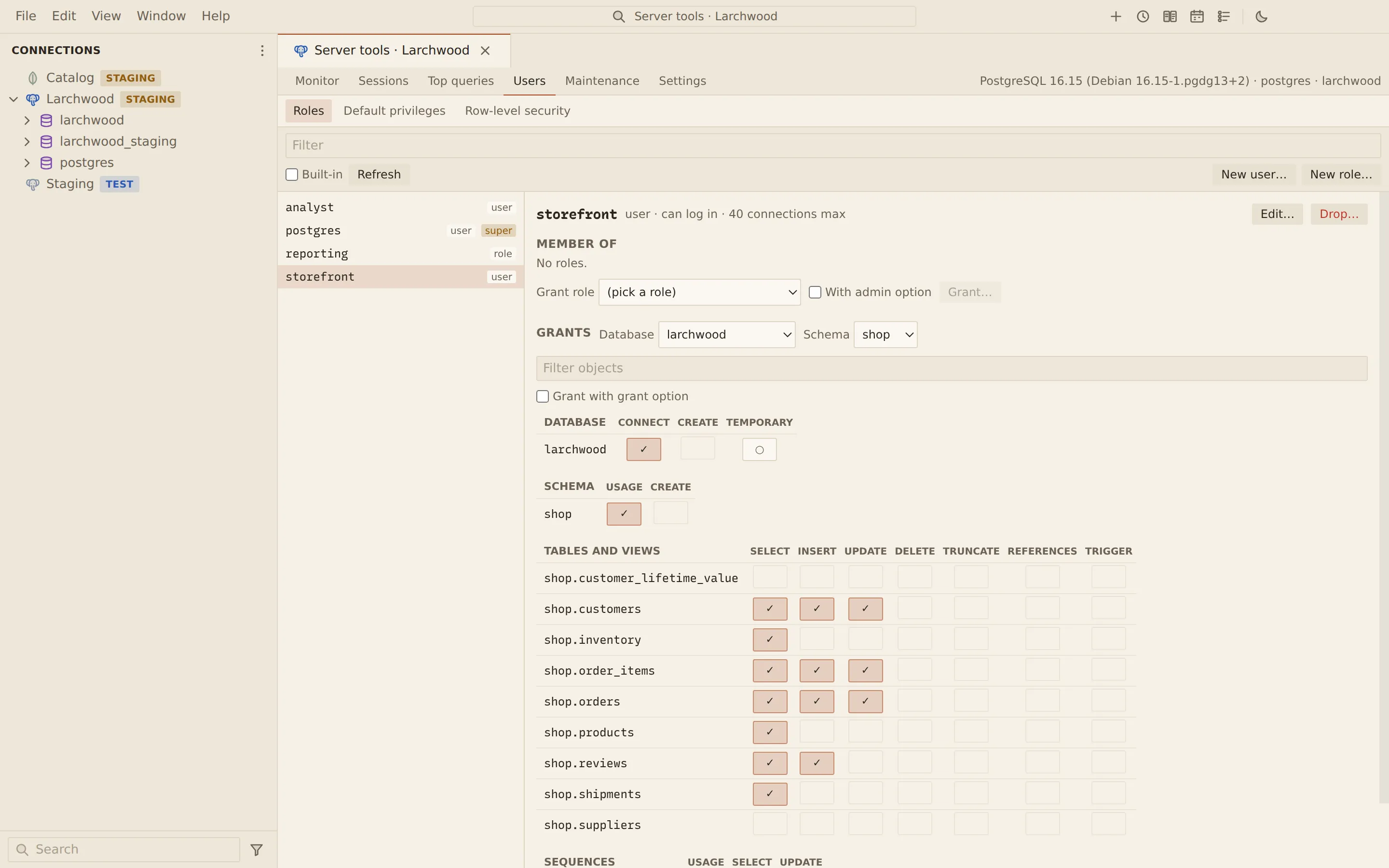
Section titled “Grants matrix”The Grants section shows the selected account’s privileges as a matrix of objects against privileges. Pick the Database and the Schema (PostgreSQL) or Database (MySQL and MariaDB) to show, and filter the objects by name.
| Mark | Meaning |
|---|---|
| ✓ | Granted |
| ✓+ | Granted with grant option |
| ○ | Held another way: ownership, a role, PUBLIC or a wider grant |
Click a cell to grant or revoke that privilege. Tick Grant with grant option to grant with the grant option. The statement is shown before it runs.
Default privileges (PostgreSQL)
Section titled “Default privileges (PostgreSQL)”Default privileges shows what objects created later will grant (ALTER DEFAULT PRIVILEGES)
for one schema of one database: who creates the objects, in which schema, of which type, to which
grantee, with which privileges. Revoke… removes an entry.
To add one, under Grant on objects created later, pick Created by, the Type, whether it
applies Only in the current schema, the grantee in To (a role or PUBLIC), the privileges
and With grant option, then choose Grant….
Row-level security (PostgreSQL)
Section titled “Row-level security (PostgreSQL)”Row-level security lists the tables of a schema with whether row-level security is on and whether it is forced for the owner.
- Enable… and Disable… switch it for a table.
- Force for owner… and Do not force… decide whether the owner is bound by the policies.
- New policy… creates a policy: its Name, Command, Kind (PERMISSIVE or RESTRICTIVE), Roles, USING (rows it can see or change) and WITH CHECK (rows it can write) expressions. Choose Review… to see the statement.
- Drop… removes a policy.
Each expression is checked to be a single expression before it is put into the statement.
Related
Section titled “Related”Documents Querybara 0.1.1 · built frombc9f5aa