
Overview
- PostgreSQL
- MySQL
- MariaDB
- MongoDB
- Redis / Valkey
- Elasticsearch
- CLI
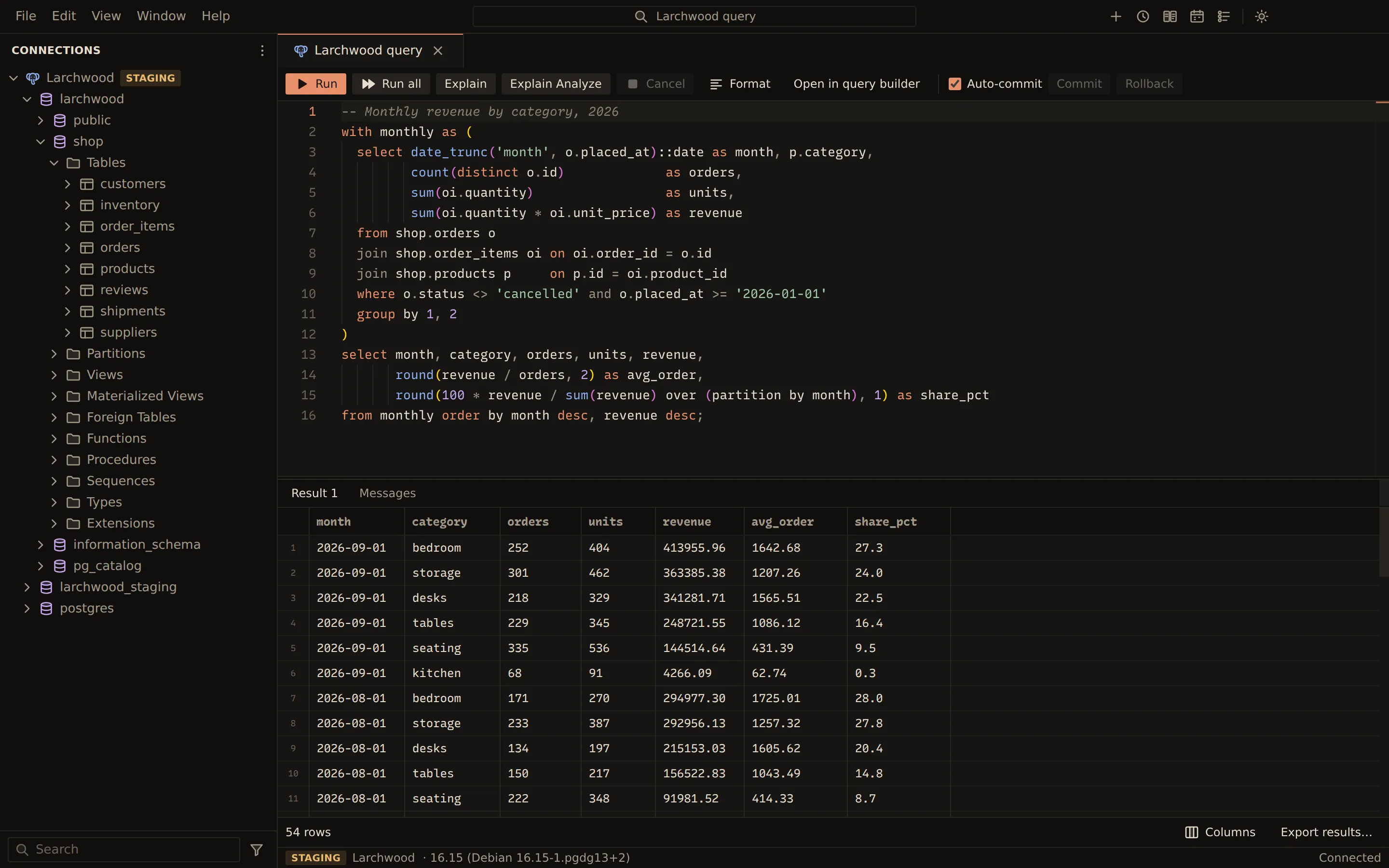
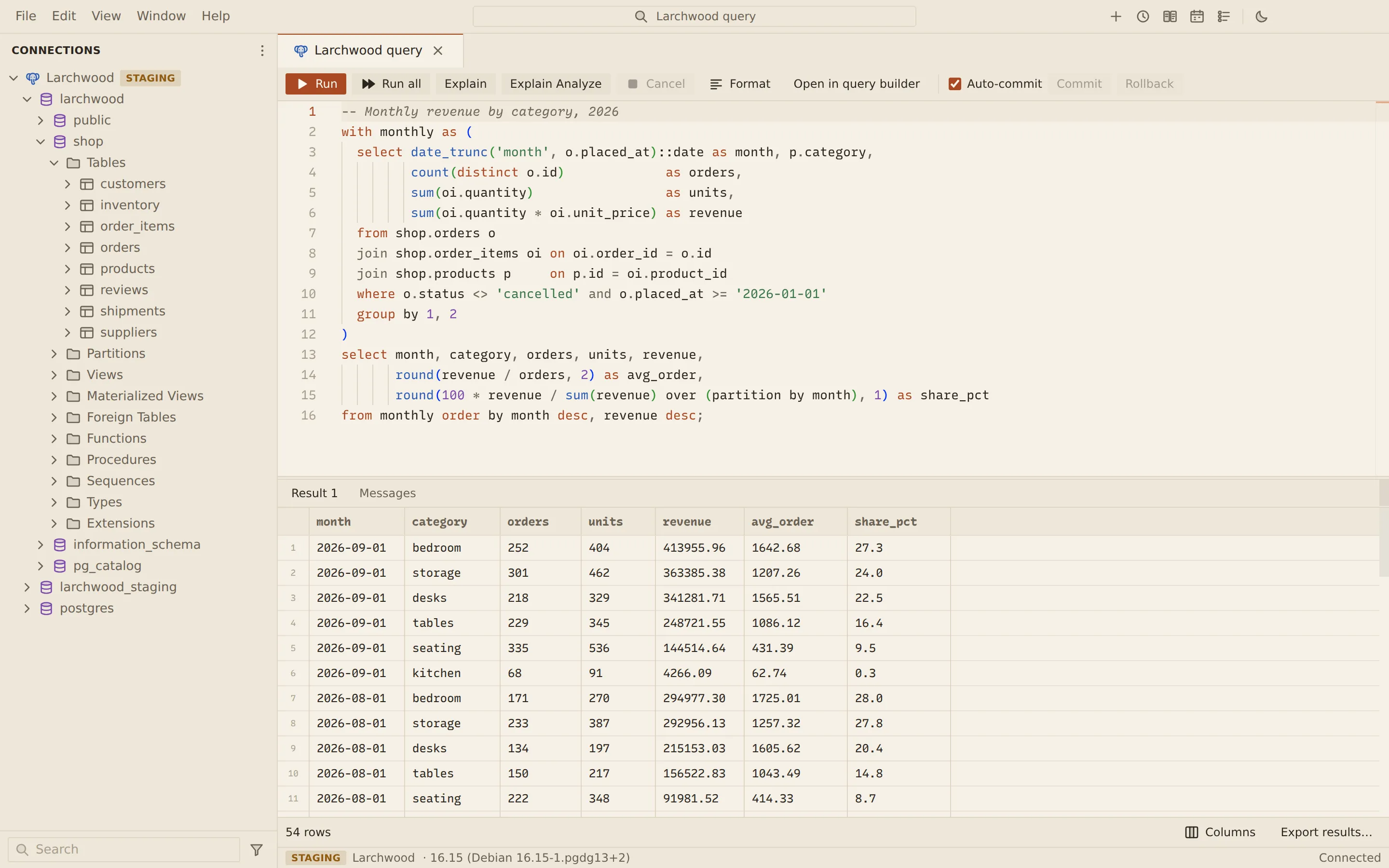
Querybara is a desktop database manager for macOS, Windows and Linux. One app connects to
PostgreSQL, MySQL, MariaDB, MongoDB, Redis (or Valkey) and Elasticsearch. A command-line tool,
querybara, runs the same engine without a window and shares the app’s saved connections.
What each engine gets
Section titled “What each engine gets”| Engine | What you can do |
|---|---|
| PostgreSQL, MySQL, MariaDB | Query editor with autocomplete and visual explain, editable table data, table designer, visual query builder, ER diagrams, structure sync, data compare and server tools. |
| MongoDB | Explorer, collection view with a mongosh-syntax query bar and a visual query builder, document editor, aggregation editor, indexes, schema analysis, change streams. |
| Redis and Valkey | Standalone, Sentinel and Cluster; a SCAN-based key browser, editors for every value type, a CLI, Pub/Sub, monitoring, ACL users and the topology view. |
| Elasticsearch | Console with API autocomplete, document grid, SQL and ES|QL, index, mapping and reindex tools, cluster health and shards, aliases, templates, ILM, pipelines, snapshots. |
querybara command-line tool |
test, query, compare, data-compare, ddl, import, export, run-file, transfer and profile management; backup and restore for every engine. |
Across engines, Querybara copies data between connections, imports and exports files, and backs up and restores databases. Long jobs run in their own process with progress and cancel. Backups, SQL files, exports and saved comparisons can also run on a schedule while Querybara is open.
Every connection can go through an SSH tunnel (with jump hosts) or a SOCKS5 or HTTP proxy. TLS has four modes, from off to a full check of the certificate and host name; a new connection starts with TLS off unless its URI turns it on.
In the window, Cmd + P (Ctrl + P on Windows and Linux) goes to a table, view or collection of a connected database by a few of its letters, and Cmd + Shift + P runs any command by name. Key bindings work as in VS Code, chords included, and you can change them.
Where to go next
Section titled “Where to go next”- Install Querybara on macOS, Windows or Linux.
- Make your first connection and run a query.
- Tour the interface: the title bar, the side bar, tabs and panels.
- Command palette: go to an object or run a command from the keyboard.
- Keyboard shortcuts for running and editing, and how to change them.
- Connection profiles: endpoints, TLS, passwords, SSH tunnels and proxies.
Documents Querybara 0.1.1 · built frombc9f5aa