
SQL and ES|QL
- Elasticsearch
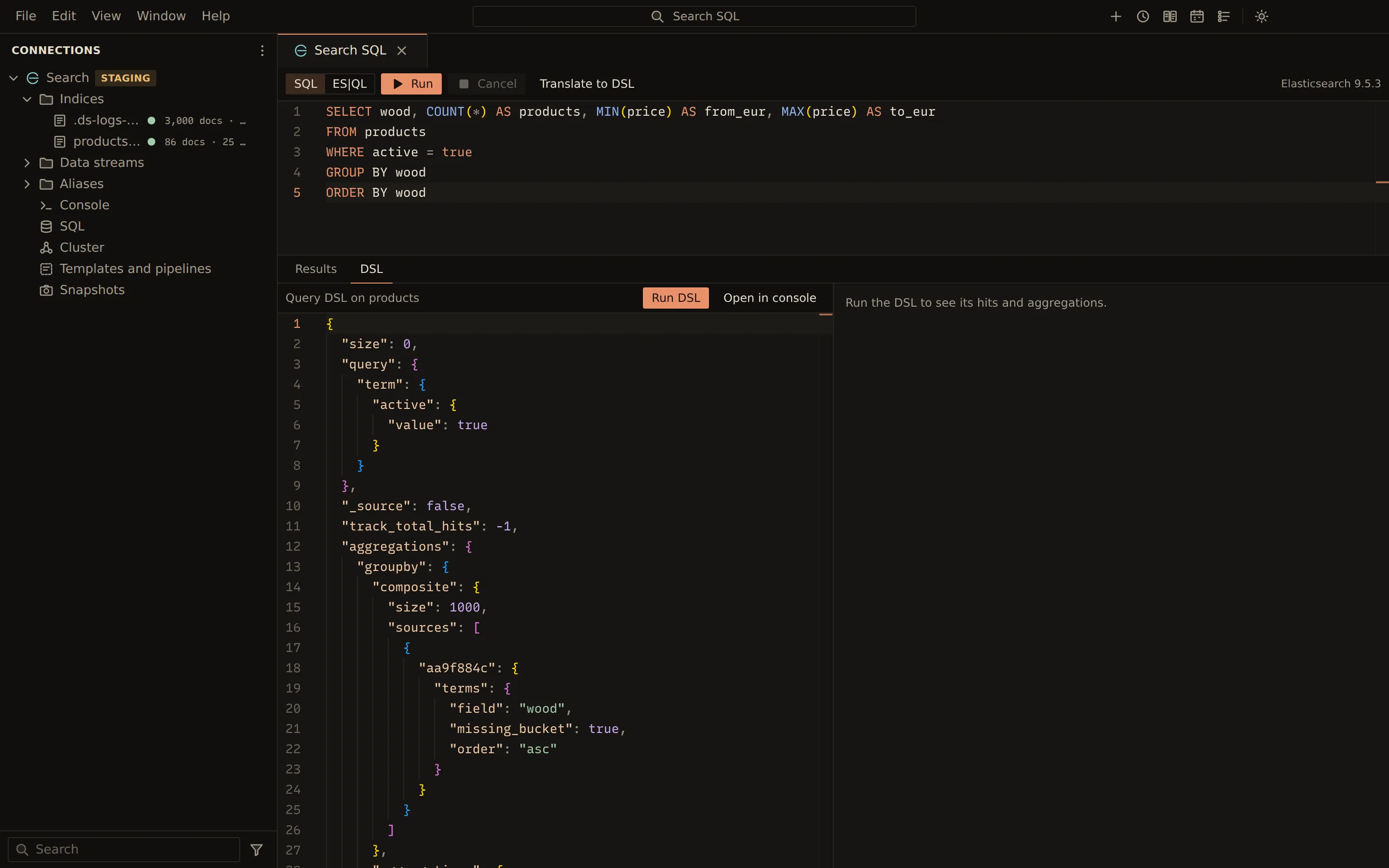
The SQL panel runs SQL through the Elasticsearch SQL API, and ES|QL where the cluster has it. SQL can also be translated to Query DSL, so you can see, run and reuse the search it stands for.
Run a query
Section titled “Run a query”-
Double-click SQL in the sidebar.
-
Pick SQL or ES|QL in the toolbar. A language the cluster does not have is disabled; its tooltip says so (the SQL API is missing from the OSS distribution, and ES|QL arrived in 8.11).
-
Type a query, for example:
SELECT status, COUNT(*) AS orders, SUM(total) AS revenueFROM ordersGROUP BY status -
Choose Run, or press Ctrl + Enter (Cmd + Enter on macOS). Cancel stops a running query.
Results page with the server’s cursor: more rows load as you scroll, or with Load more. The status line lists the row count, the time taken and each column’s type.
Queries are reads, so they run on read-only profiles too.
Translate to DSL
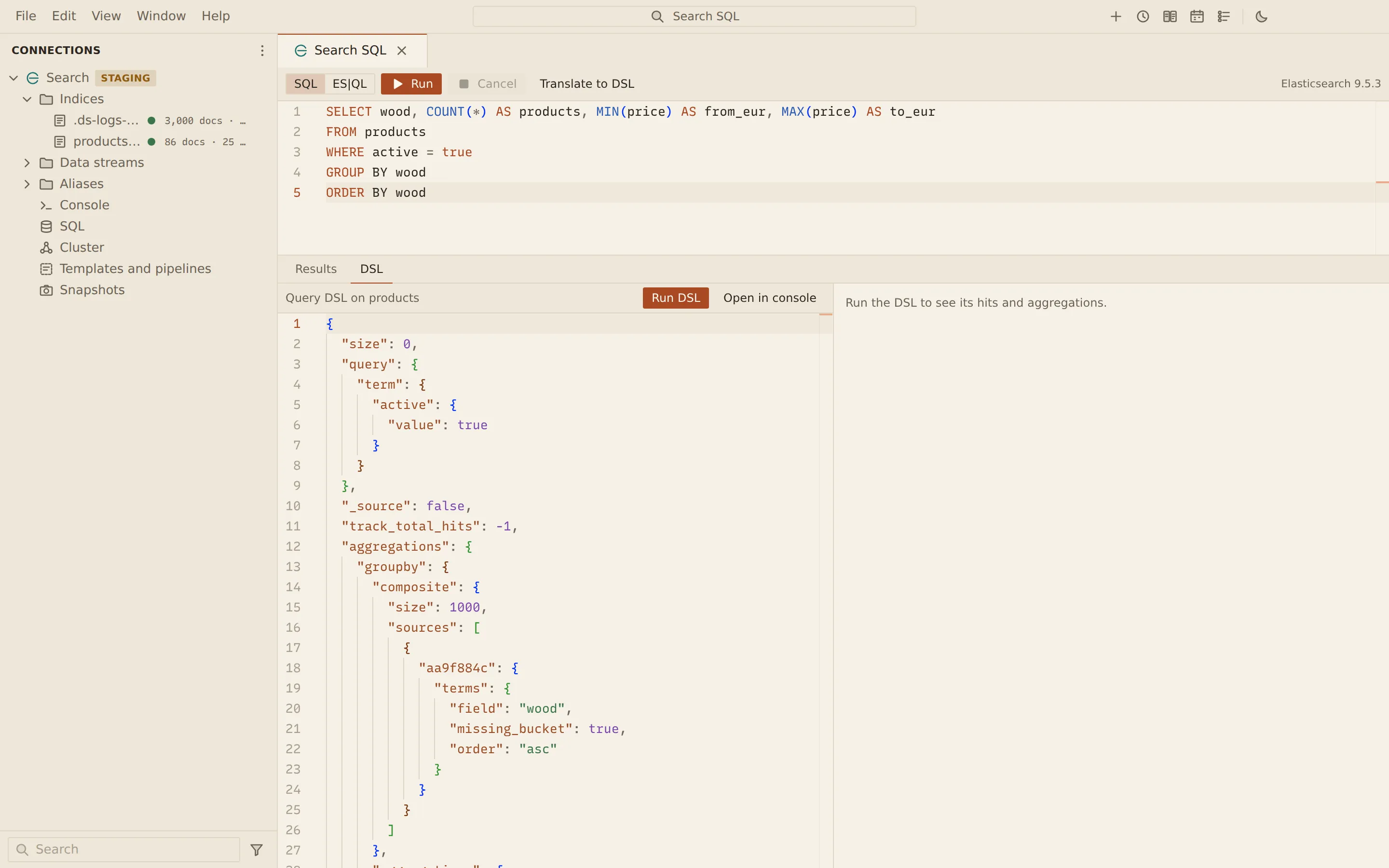
Section titled “Translate to DSL”With SQL selected, choose Translate to DSL. A DSL tab opens next to Results with the translated Query DSL and the index it targets.
| Button | What it does |
|---|---|
| Run DSL | Runs the translated search here |
| Open in console | Opens a console with the search as a request you can edit and send |
When the search returns aggregations, switch between Aggregations and Response. The aggregations show as a Tree of aggregations, buckets with their document counts and metrics, or as a Table with one row per innermost bucket.
To build Query DSL from the mapping instead, use the query builder in the documents view.
Related
Section titled “Related”Documents Querybara 0.1.1 · built frombc9f5aa