
Jobs
- PostgreSQL
- MySQL
- MariaDB
- MongoDB
- Redis / Valkey
Long work runs as a job: imports, exports, Run SQL file, data transfers, structure and data compares and applies, backups and restores. Jobs run in their own process, the job runner, so a large file or a slow server never holds up the app, and a job keeps going when you close the tab that started it.
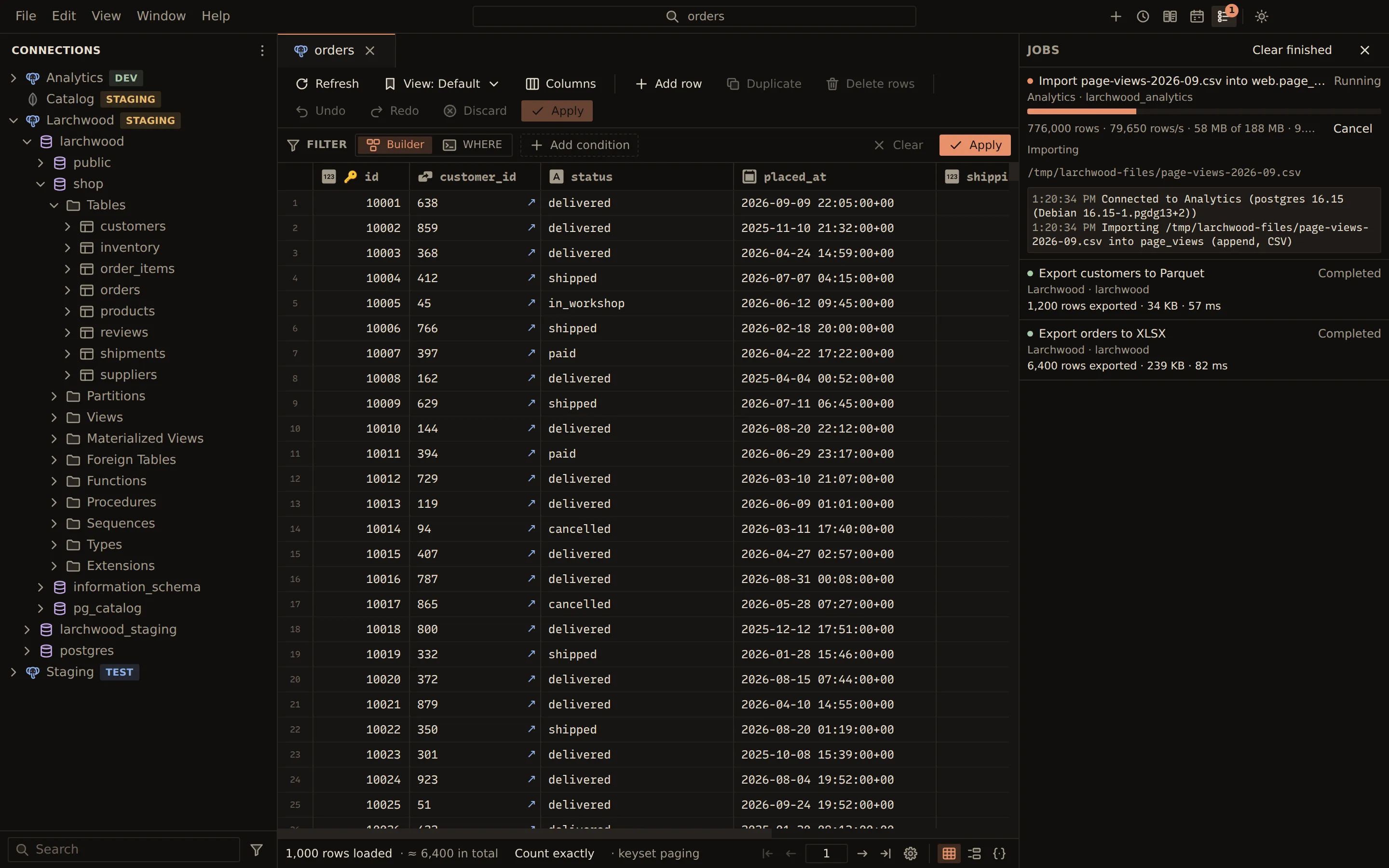
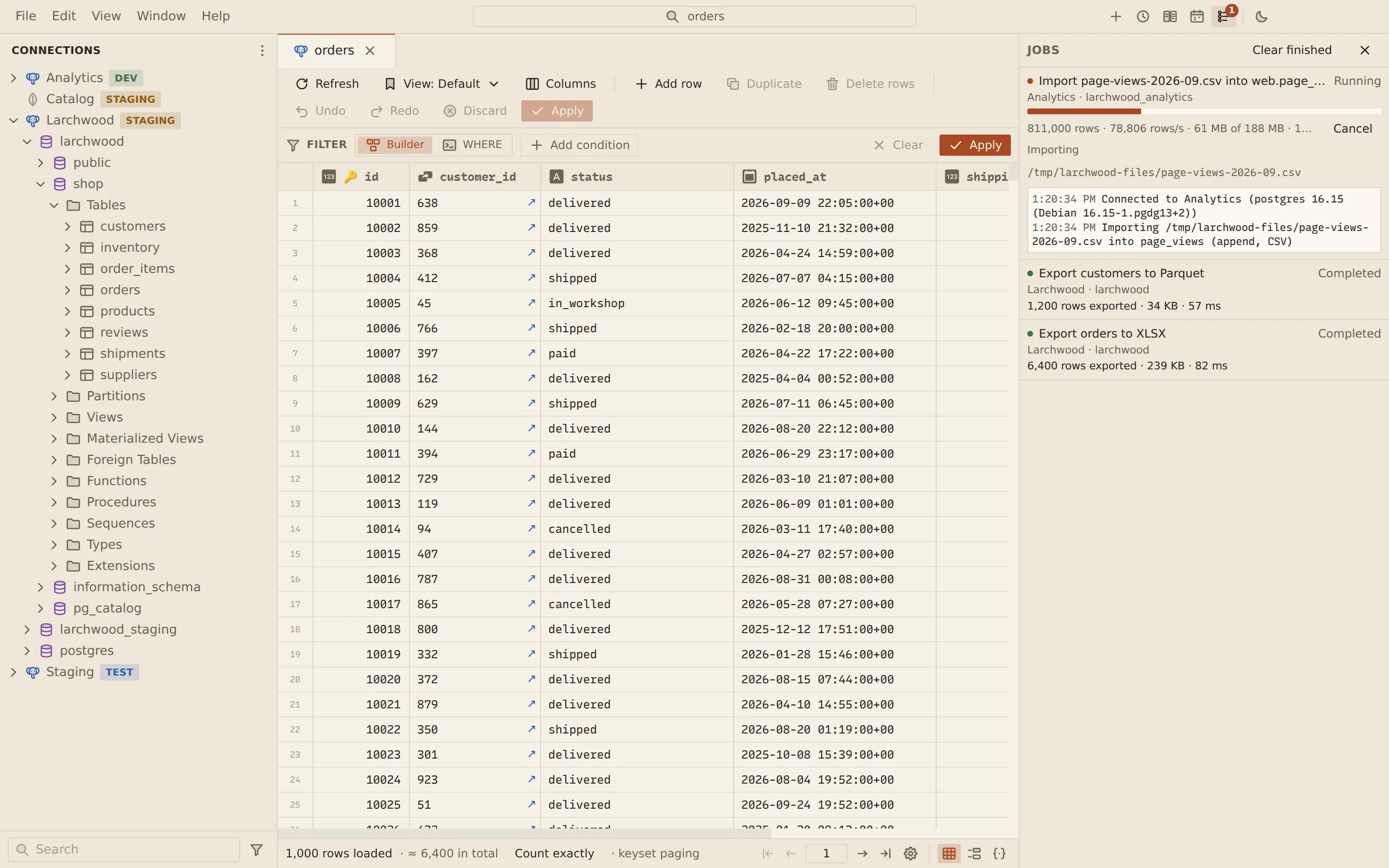
The job list
Section titled “The job list”Choose Jobs in the title bar to open the list. The keys Ctrl + Shift + J (on macOS, Cmd + Shift + J) open and close it too. The button shows how many jobs are running. Jobs run side by side, each on its own database session and, for a profile with SSH or a proxy, its own tunnel.
Each job shows its title, its connection and database, and its state: Running, Completed, Failed or Cancelled. A running job has a progress bar with rows, bytes, rows per second and its phase, and a Cancel button.
Select a job to see:
- its summary: the outcome, rows read and skipped (or statements, failures and rows affected), the duration and the files written
- the rows that failed, with the Row, Line and Column in the file and the message, or for SQL files and syncs the Statement and Line
- the job log
Clear finished removes the finished jobs from the list and the history.
Cancel a job
Section titled “Cancel a job”Cancel stops the job at its next batch. An import rolls back its transaction, and a data sync rolls back the table it was writing.
History and notifications
Section titled “History and notifications”The last 50 jobs are kept in the job history, so finished jobs are still listed after a restart. When a job that ran for at least 10 seconds ends, Querybara shows a desktop notification with its outcome, if the system supports notifications.
Scheduled runs
Section titled “Scheduled runs”Backups, SQL files, exports and saved comparisons can run on a schedule. Each scheduled run is a job like any other: it shows in the job list with its progress, and can be cancelled there. Its desktop notification comes from the schedule, as the schedule says, rather than from the job list.
How the job runner works
Section titled “How the job runner works”The job runner is an Electron utility process that the app starts when the first job arrives and stops after 30 seconds with nothing to do. It reads only the files you picked in a file dialog and writes only where you pointed a save dialog. The app checks the profile’s write rules before a job starts. If the runner exits unexpectedly, the jobs it was running fail and the next job starts a new runner. Quitting the app cancels running jobs and gives them a moment to roll back.
Related
Section titled “Related”Documents Querybara 0.1.1 · built frombc9f5aa