
Topology
- Redis / Valkey
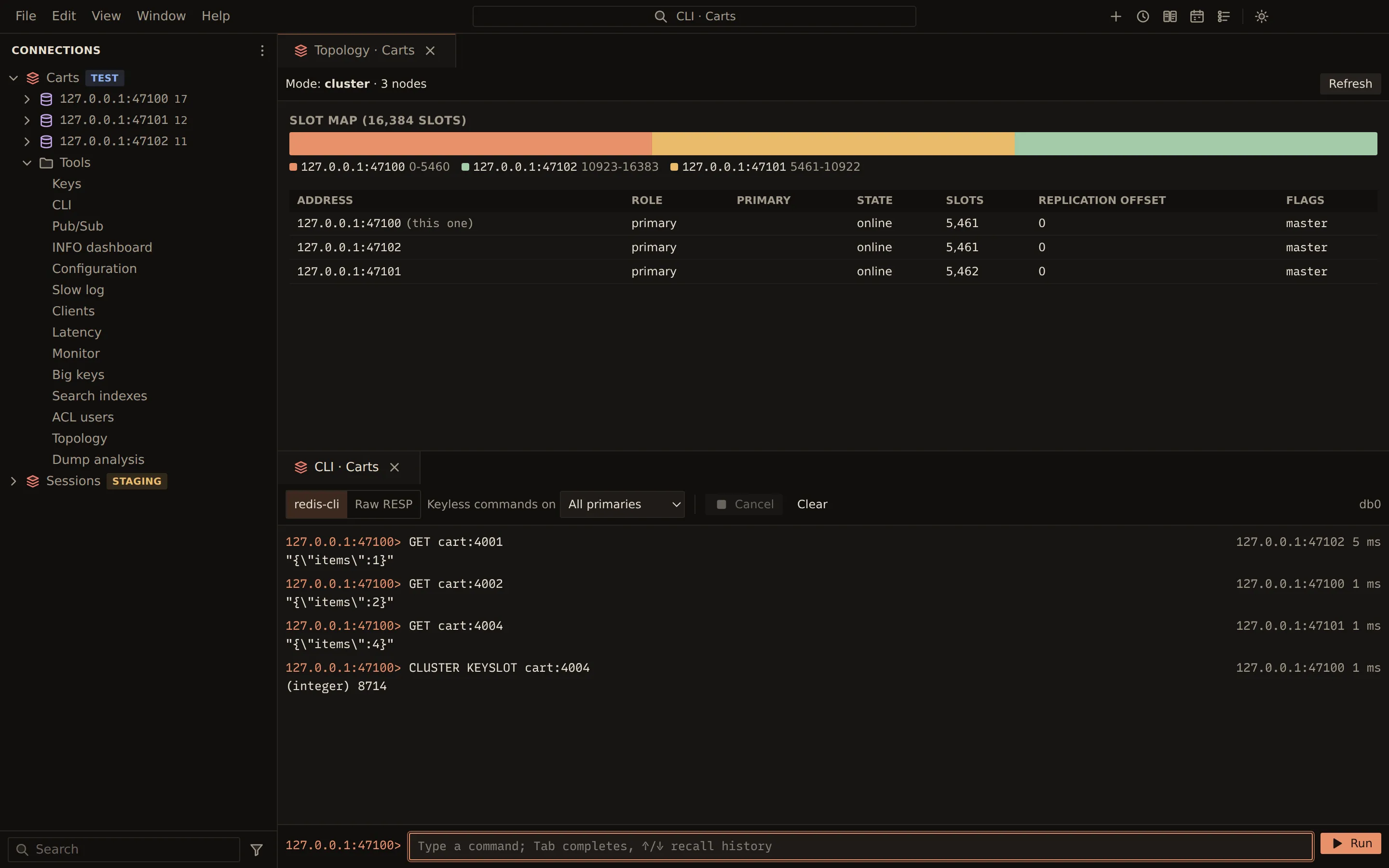
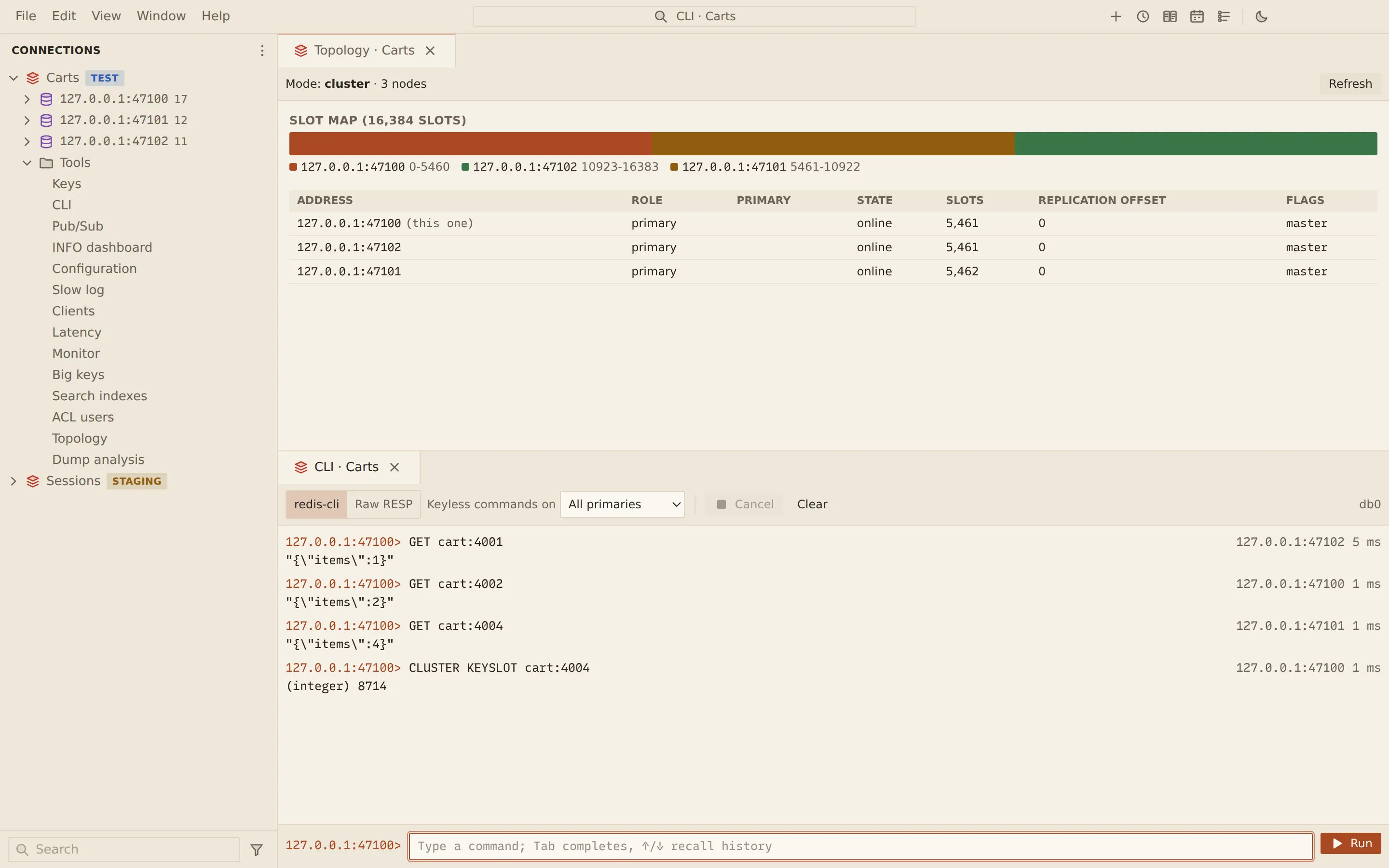
The topology view shows how the servers behind a connection fit together. For a Cluster it draws the slot map and lists every node with its role, primary, state and slots. For Sentinel it shows the master, its replicas and the Sentinels watching it.
Open the topology
Section titled “Open the topology”Open Tools › Topology under the connection. The toolbar shows the Mode (standalone,
sentinel or cluster) and the number of nodes. Refresh reads the topology again.
Cluster
Section titled “Cluster”The Slot map draws the 16,384 hash slots, coloured by the primary that serves them; hover a segment to see its slot range and owner. A legend lists each primary with its slot ranges.
If some slots have no primary, the view lists them and warns that their keys cannot be read or written.
Sentinel
Section titled “Sentinel”The Sentinel section names the master and shows its address, flags, number of replicas and Sentinels, and the quorum, followed by the list of Sentinels.
The Nodes table lists every node with its Address, Role, Primary (for a replica), State, Slots, Replication offset and Flags.
Through an SSH tunnel or a proxy, nodes are shown by the addresses they announce, not by the local forwards, so the view looks the same as on a direct connection. See Replica sets, Sentinel and Cluster through tunnels.
Related
Section titled “Related”Documents Querybara 0.1.1 · built frombc9f5aa