
Objects view
- PostgreSQL
- MySQL
- MariaDB
- MongoDB
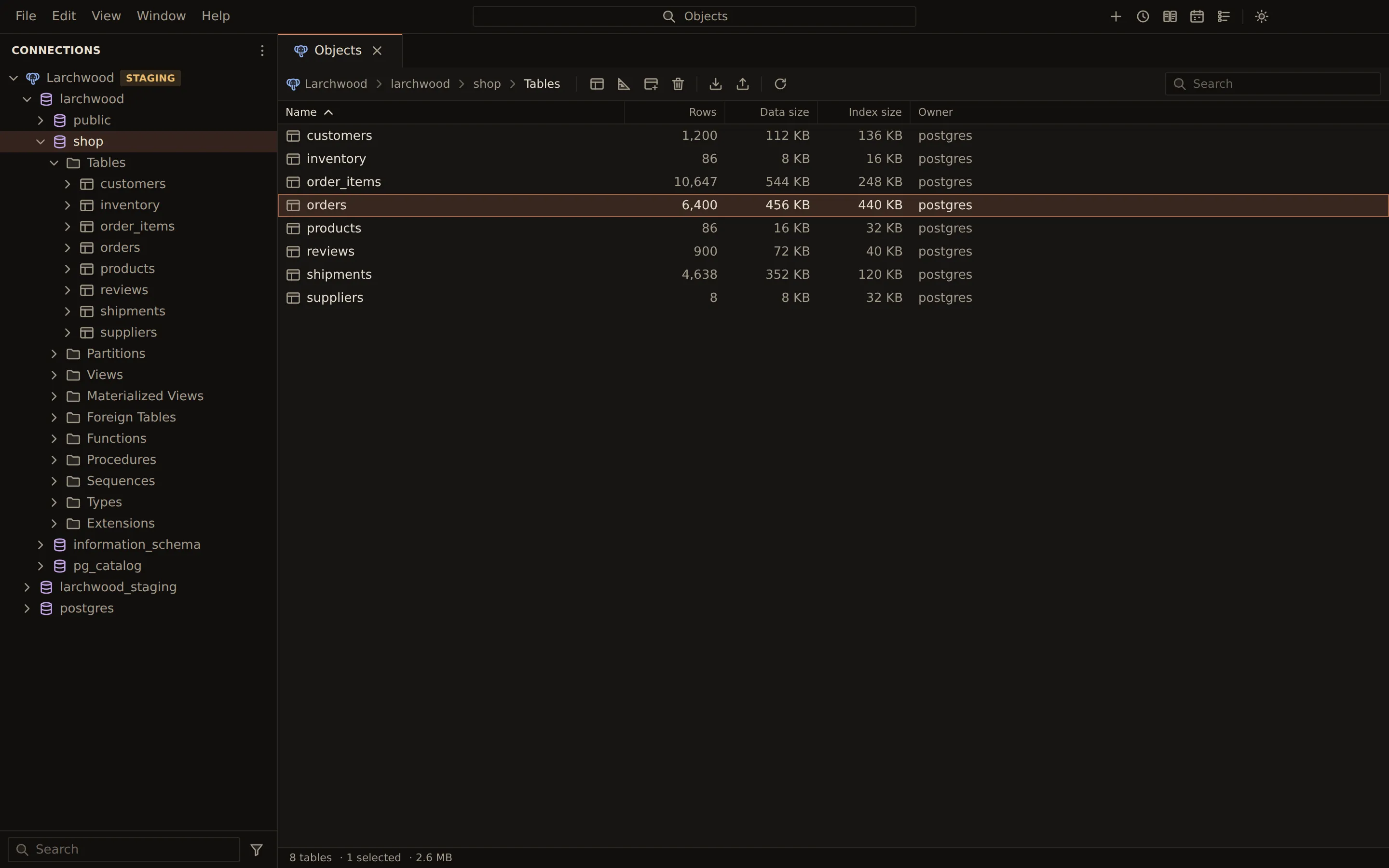
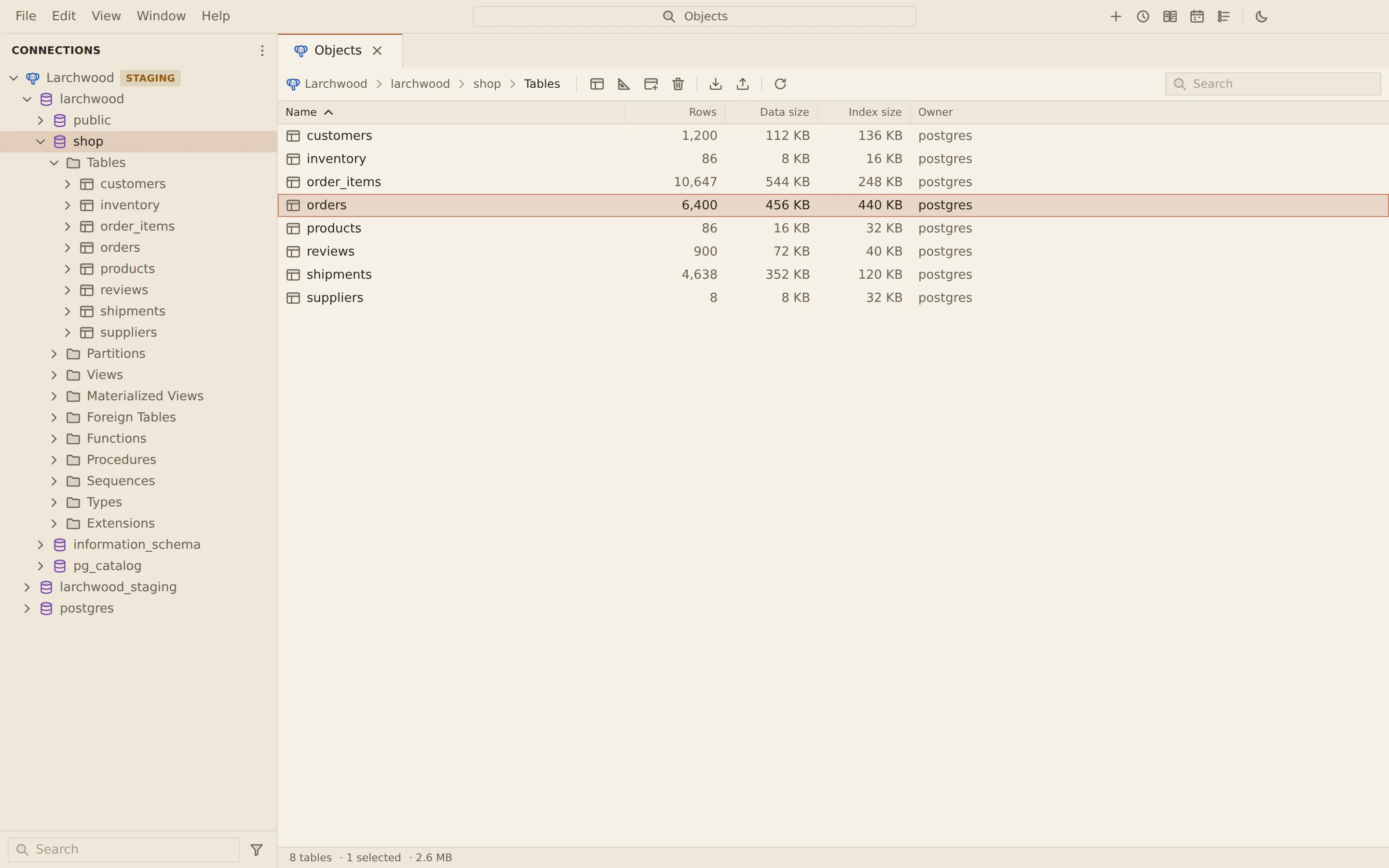
The Objects tab lists what a database, a schema or a folder holds, with each object’s statistics: rows, sizes, engine, dates and comments for SQL tables, documents, sizes and indexes for MongoDB collections. Use it to see how big your tables are, or to act on several of them at once.
Show a database’s objects
Section titled “Show a database’s objects”Click a database, a schema or a folder in the side bar. The tree expands it as before, and the Objects tab opens (or comes forward) with what it holds. The tree marks the node the tab shows. To expand a node without opening the Objects tab, click its chevron.
| Engine | Click | The Objects tab lists |
|---|---|---|
| MySQL, MariaDB | a database | its tables |
| PostgreSQL | a database | its schemas |
| PostgreSQL | a schema | its tables |
| MongoDB | a database | its collections |
| all four | a folder | that folder’s objects |
There is one Objects tab. To bring it back on what it showed last, run View: Show Objects from the command palette, or press Cmd + Shift + O (Ctrl + Shift + O on Windows and Linux).
The top of the tab shows where you are: the connection’s name, then the database, schema or folder.
Columns
Section titled “Columns”The first column is Name. The others are the statistics the server reports for those objects, with Comment last:
| Engine | Columns can include |
|---|---|
| PostgreSQL, MySQL, MariaDB | Rows, Data size, Index size, Engine, Auto increment, Created, Modified, Collation, Owner, partition and routine details |
| MongoDB | Documents, Size, Storage size, Index size, Indexes |
Click a column header to sort by it; click again to reverse. Numbers sort as numbers, and empty values go last. Search objects narrows the list by name.
The status bar at the bottom shows the number of objects (or how many match the search), how many are selected, and the combined data and index size on disk.
Select and open objects
Section titled “Select and open objects”- A click selects an object. Cmd-click (Ctrl-click on Windows and Linux) adds to the selection, and Shift-click extends it.
- The arrow keys move, Home and End go to the first and last object, and Shift with an arrow extends the selection. Cmd + A (Ctrl + A on Windows and Linux) selects every object shown, and Esc clears the selection.
- A double-click or Enter opens a table’s data, a view’s rows or a collection’s documents. On a schema or a database it goes in and lists that one’s objects.
- A right-click, or Shift + F10, opens the same menu as the object has in the side bar.
Toolbar
Section titled “Toolbar”| Engine | Buttons |
|---|---|
| PostgreSQL, MySQL, MariaDB | Open, Design table, New table, Drop table, Import data, Export tables, Refresh |
| MongoDB | Open, New collection, Refresh |
Design table and Drop table work on one selected table. Export tables exports the selected tables. Refresh reads the list again; F5 does the same while the Objects tab is active.
If the connection is not open, the tab says so and offers Connect.
Related
Section titled “Related”Documents Querybara 0.1.1 · built frombc9f5aa