
Visual query builder
- MongoDB
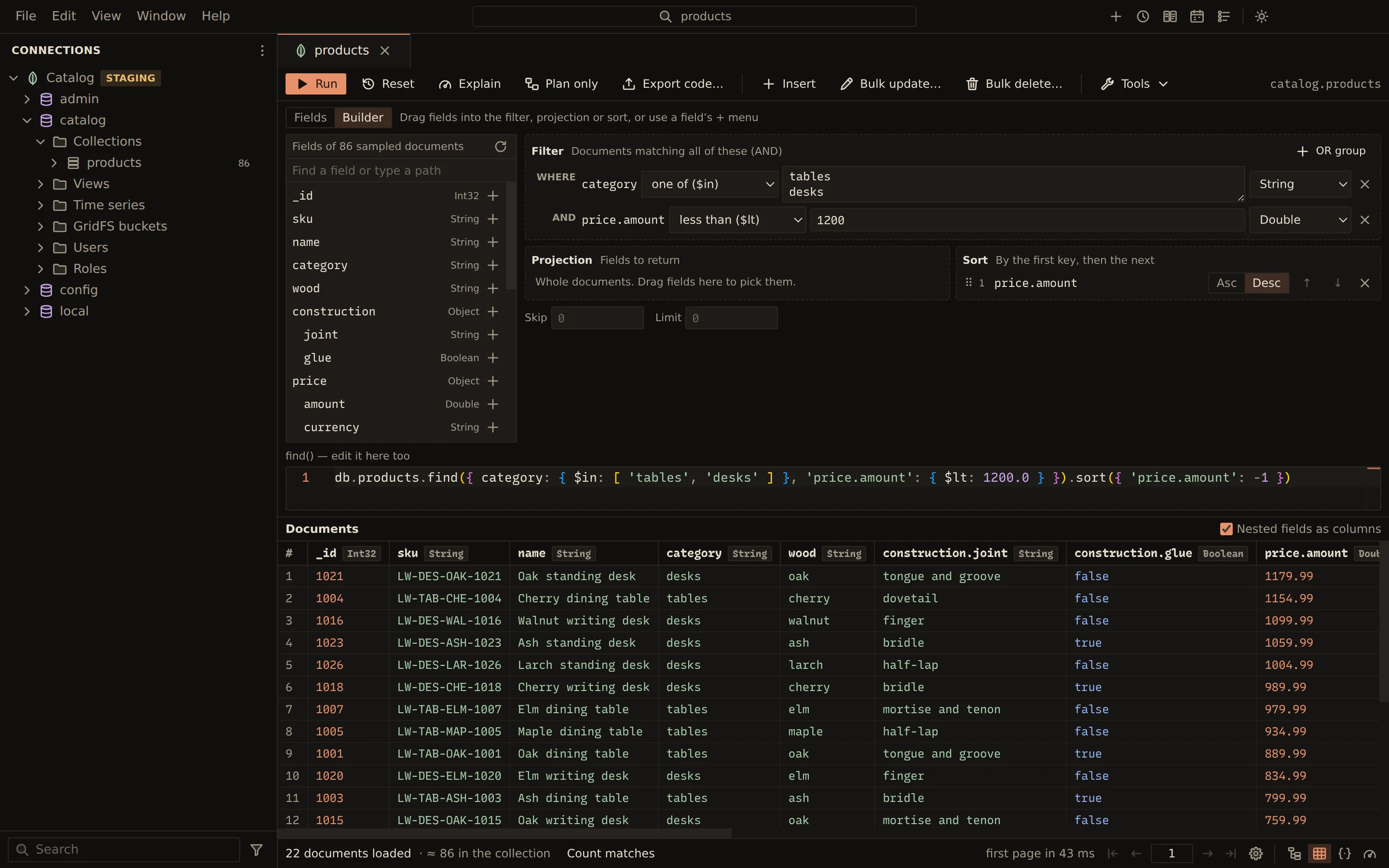
The visual query builder lives in the collection view. It lists
the collection’s fields from a sample and lets you drop them into a filter, a projection and a
sort. Each condition is typed after the field. The find() text under the builder follows every
change, and the builder follows the text when you edit it.
Open the builder
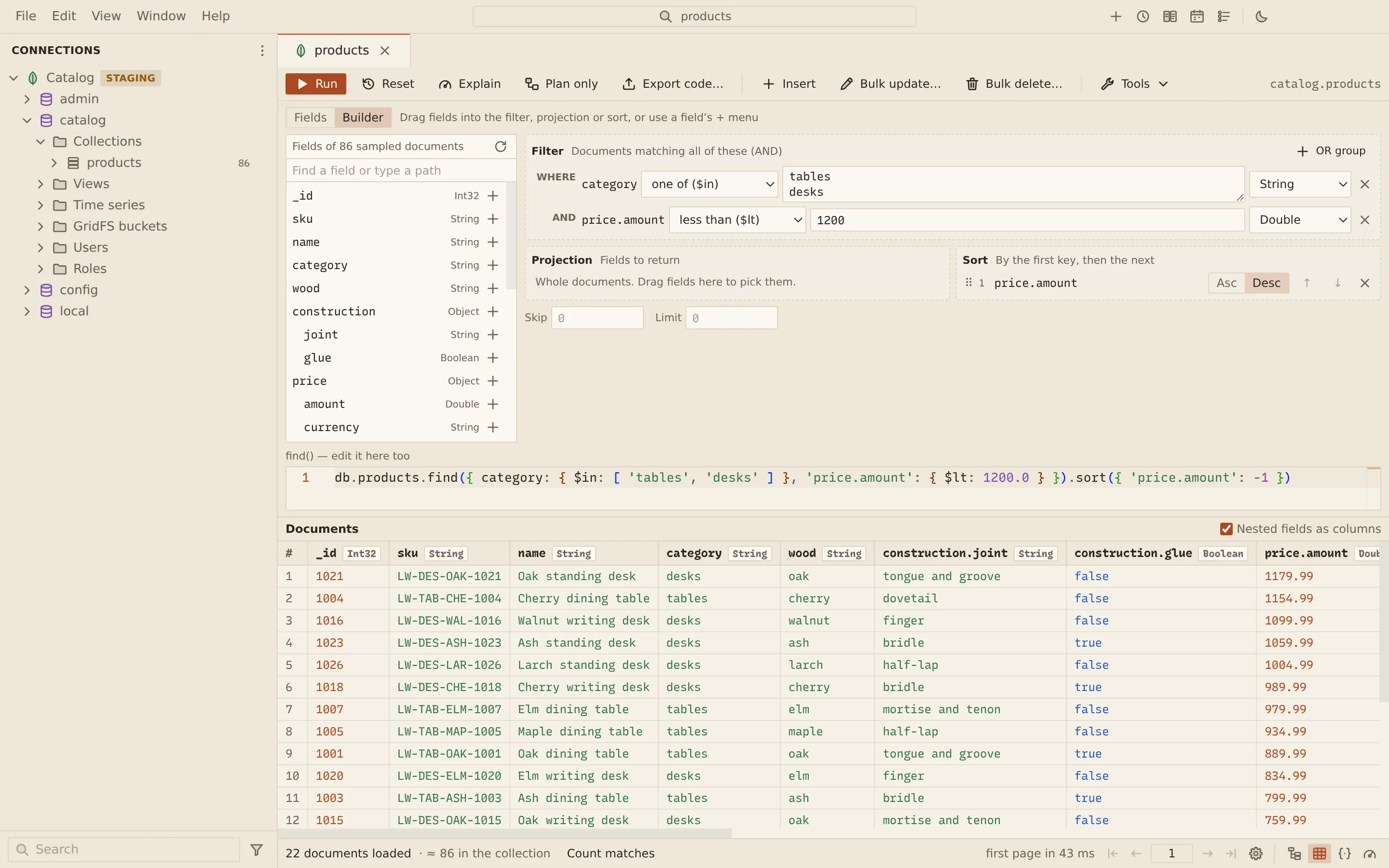
Section titled “Open the builder”In the collection view, set the Query editor switch to Builder. The first time, Querybara
samples 1,000 documents of the collection and lists their fields on the left with their BSON types,
for example String, Int32, Date or String[] for an array of strings.
- Find a field or type a path filters the list. A path that is not in the sample can be typed here and added too.
- Sample the fields again reads a new sample.
Build a filter
Section titled “Build a filter”- Drag a field onto Filter, or open the field’s + menu (Add field to…) and choose Add to filter.
- Pick an operator for the condition.
- Enter the value. The value type starts as the field’s type; change it if you need another.
- Press Enter in the value, or choose Run.
Conditions in Filter must all match (AND). To match any of several conditions, choose Add to a new OR group from a field’s menu; later fields can go into that group with Add to OR group 1, or by dropping them on it. OR groups go one level deep.
| Operator | Value |
|---|---|
| equals ($eq) | One value |
| not equal ($ne) | One value |
| greater than ($gt) | One value |
| at least ($gte) | One value |
| less than ($lt) | One value |
| at most ($lte) | One value |
| one of ($in) | One value per line |
| none of ($nin) | One value per line |
| contains all ($all) | One value per line |
| matches ($regex) | A pattern, and flags i, m, s, u or x |
| array size ($size) | A number of elements |
| exists ($exists) | Whether the field exists |
| has type ($type) | A BSON type |
| is null | Nothing |
The value types are String, Int32, Int64, Double, Decimal128, ObjectId,
Date, Boolean, UUID and mongosh (any mongosh expression, such as { a: 1 }).
A value that does not fit its type is marked on the condition, for example “Enter an ISO date”. It
is left out of the find() text, which says so (“Not in the find() text yet”), and Run stops
with “Fix the query first” until you correct it.
Projection and sort
Section titled “Projection and sort”- Add to projection puts a field into Projection, where you set it to Include or
Exclude. MongoDB’s rule applies: a projection either includes or excludes fields, and only
_idmay differ. The builder explains when the rule is broken. - Add to sort puts a field into Sort, set to Asc or Desc. Keys sort by the first, then the next. Reorder them by dragging, with Alt + ↑ and Alt + ↓ on a key’s handle, or with the move buttons.
- Skip and Limit sit under the zones.
Edit the find() text
Section titled “Edit the find() text”The find() text stays under the builder and can be edited:
db.orders.find({ status: 'open', total: { $gt: 100 } }, { total: 1, _id: 0 }).sort({ total: -1 }).limit(3)When you change it, the builder reads it back. If the query uses something the builder cannot show,
such as $elemMatch, the builder says “This query can’t be shown in the builder” with the reason
and stays read-only. The text still runs. Once the query is simple again, the builder follows it.
Set the Query editor switch back to Fields to see the same query in the filter, projection and sort fields.
Related
Section titled “Related”Documents Querybara 0.1.1 · built frombc9f5aa